

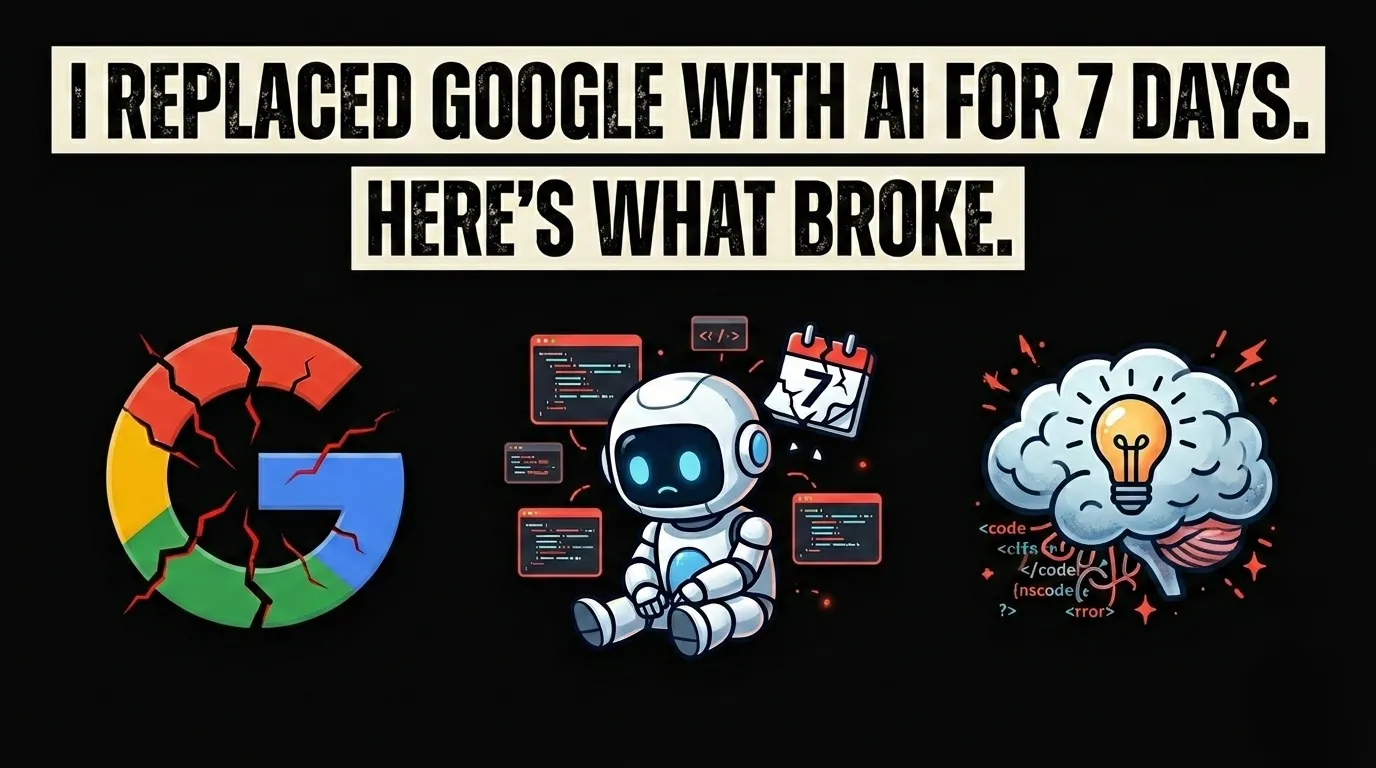
I Replaced Google with AI for 7 Days. Here's What Broke.

I went a full week using only LLMs for debugging instead of Google or StackOverflow. It was a productivity nightmare and here is why traditional search still matters.
I went a full week using only LLMs for debugging instead of Google or StackOverflow. It was a productivity nightmare, and honestly, it taught me more about the limits of AI than any benchmark ever could.
Here is my honest, day-by-day diary of what happened when I killed the Google tab entirely.
The Rules
Before we get into the chaos, here is the setup:
For 7 consecutive days, I used only LLMs (Claude Opus 4.6, GPT-5.3 Codex, Gemini 3 Pro) for every single coding question, error message, and documentation lookup. No Google. No StackOverflow. No MDN. No direct docs.
I was working on a client's SaaS dashboard built with Next.js 16, Supabase, Framer Motion, and GSAP. Real production code, not toy examples.
Day 1: The Honeymoon
Everything felt amazing. I asked Claude to explain a useEffect cleanup issue, and it nailed it in one shot. I asked GPT-5.3 Codex to scaffold a Server Action, and the code ran on the first try.
I thought: "Why did I ever need Google?"
Spoiler: Day 1 confidence is a trap.
Day 2: The First Hallucination
I was integrating Stripe's new webhook verification method for the client's payment flow. I asked Claude for the correct syntax for stripe.webhooks.constructEventAsync(), and it gave me a confident, beautifully formatted answer.
The problem? The API it described did not exist.
It hallucinated a method signature from an older version of the Stripe SDK and mixed it with syntax from the PayPal webhook handler. The code looked correct. It compiled. But at runtime, it threw an obscure error that I spent 45 minutes debugging.
LLMs are trained on historical data. If a library updated its API in the last 3-6 months, the AI might not know about it. Always verify against official docs for anything version-sensitive.
Day 3: The Documentation Black Hole
I needed to configure rehype-pretty-code with dual theme support for a client's documentation site. This is a relatively niche plugin in the MDX ecosystem.
Every LLM I tried gave me a slightly different configuration. None of them matched the actual current API. One suggested a theme property that only existed in version 0.9. Another fabricated an options.defaultColor flag that turned out to be correct but only because I got lucky.
The core issue: niche library documentation is underrepresented in training data. The more specialized your stack, the less reliable AI becomes.
I caved and checked the GitHub repo's README. Found the answer in 90 seconds.
Day 4: The Stack Trace Saga
A cryptic Next.js hydration mismatch error appeared on the client project:
I pasted the full error into Claude. It gave me 5 potential causes, all reasonable:
- Browser extension interference
- Date/time rendering differences
- Conditional rendering based on
window - Missing
suppressHydrationWarning - Incorrect nesting of HTML elements
All valid hypotheses. But none of them were my specific bug.
On Google, the exact error string with "next-mdx-remote" would have surfaced a GitHub issue from 3 weeks ago with the exact fix: a remarkUnwrapImages plugin configuration issue.
AI gave me theory. Google gave me the exact answer from someone who already solved my exact problem.
Day 5: When AI Actually Shines
Not everything was bad. Day 5 was a win.
I needed to write a complex TypeScript generic for a reusable hook pattern. The kind of type gymnastics that StackOverflow answers are notoriously bad at explaining.
Describe the Pattern in English
I told Claude exactly what I needed: "A hook that accepts a generic config object and returns typed state and dispatch functions matching the config shape."
Iterative Refinement
The first attempt was 80% right. I pointed out the edge case with optional fields, and it corrected itself immediately.
Production-Ready in 3 Minutes
What would have taken me 30+ minutes of manual type-wrangling was done in 3 conversational turns.
AI absolutely dominates at generative tasks: writing boilerplate, scaffolding types, explaining concepts. The problem is when you need retrieval of specific, current, verified information.
Day 6: Outdated Package Versions
I asked GPT-5.3 Codex to help me configure next.config.ts with the new serverExternalPackages option from Next.js 16.
It gave me the old Next.js 13 syntax:
This is subtle. Both configs look reasonable. But deploying the wrong one silently breaks image optimization in production. You only find out when your Lighthouse score tanks and users complain about slow load times.
AI models train on code from across all versions of a framework. They cannot reliably distinguish between Next.js 12 patterns and Next.js 16 patterns unless you explicitly prompt them with version context. Even then, they sometimes default to what is most common in the training data, which is usually older versions.
Day 7: The Verdict
By the end of the week, I had a clear mental model of when AI wins and when Google wins.
| Task | Best Tool | Why |
|---|---|---|
| Writing boilerplate code | AI | Faster than copy-pasting templates |
| Explaining complex concepts | AI | Interactive Q&A beats static docs |
| TypeScript type gymnastics | AI | Generates novel patterns well |
| Debugging specific errors | Finds exact matches from real devs | |
| Library-specific configuration | Google/Docs | AI hallucinates niche API details |
| Finding GitHub issues | AI cannot search the live web | |
| Understanding migration guides | Docs | Version-specific changes need official sources |
| Code refactoring suggestions | AI | Understands context across files |
The Real Workflow: Hybrid Intelligence
After this experiment, my actual daily workflow looks like this:
- Start with AI for scaffolding, explaining, and brainstorming.
- Switch to Google the moment I hit a specific error message or version-locked behavior.
- Always verify AI-generated configs against official documentation before deploying.
- Use AI for "why" and Google for "how exactly" when the "how" involves specific tool versions.
AI is not replacing Google. It is replacing the easy parts of Google, the stuff you could have figured out from the first 3 search results anyway. The hard parts, exact debug solutions, niche library quirks, community-verified workarounds, still live on search engines, GitHub issues, and StackOverflow.
What I Would Tell My Past Self
If you are tempted to go "AI-only" for your development workflow, don't. Not yet.
The sweet spot in 2026 is a blended approach. Let AI handle the 80% of tasks where it excels: generation, explanation, refactoring. But keep Google (and official docs) in your back pocket for the 20% where accuracy and recency matter more than speed.
The developers who will thrive are not the ones who pick one tool over the other. They are the ones who know exactly when to switch.
Have you tried going AI-only for a week? I would love to hear if your experience was different. Drop a comment below.

Author Parth Sharma
Full-Stack Developer, Freelancer, & Founder. Obsessed with crafting pixel-perfect, high-performance web experiences that feel alive.