

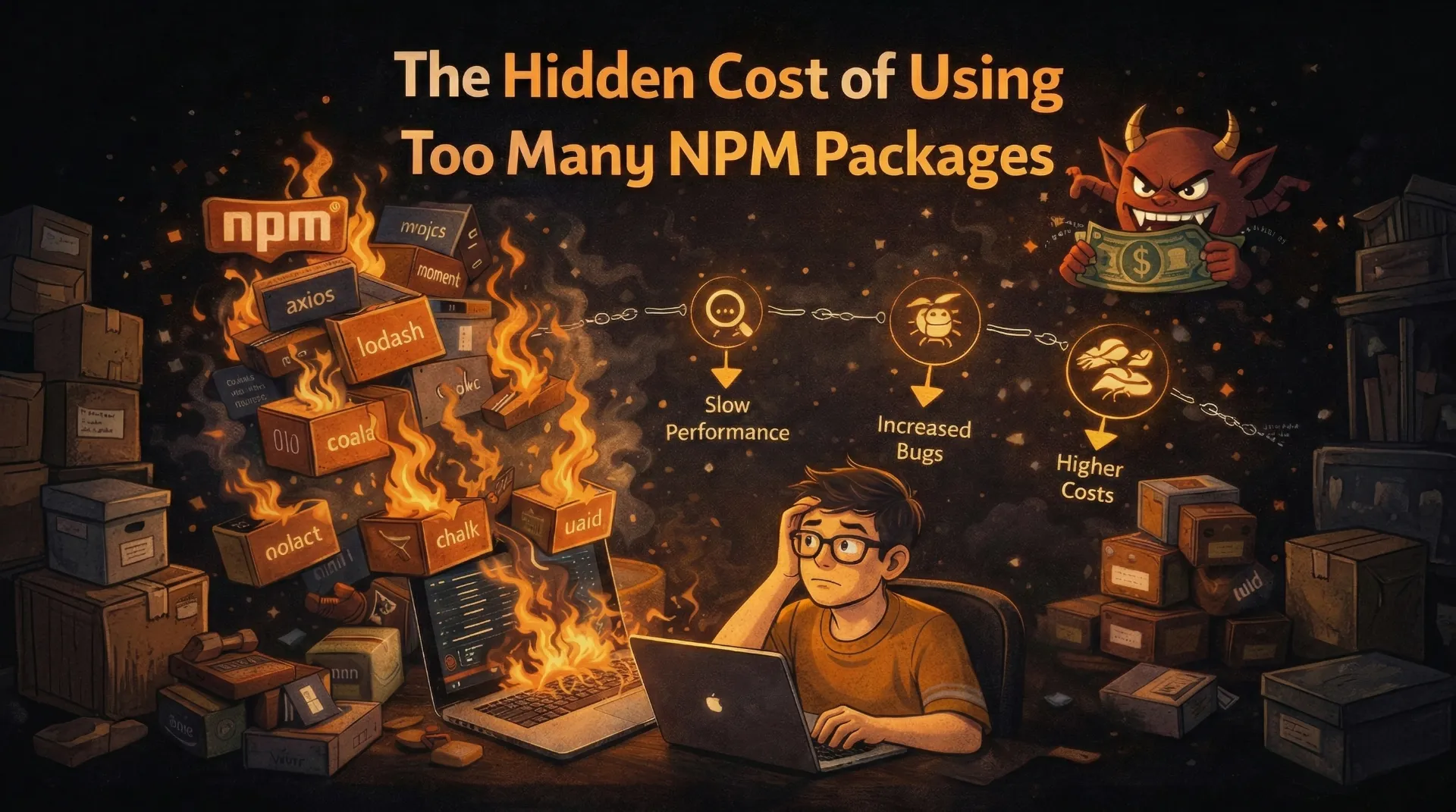
The Hidden Cost of Using Too Many NPM Packages

Every npm install adds more than a dependency. It adds risk, bloat, and maintenance debt. Here is how to audit your project before it becomes unmanageable.
Every npm install adds more than a dependency. It adds risk, bloat, and maintenance debt. Here is how to audit your project before it becomes unmanageable.
We have all been there. You need a function to debounce an input. Instead of writing the 8-line utility yourself, you run npm install lodash and import the entire library for a single function. Or maybe you needed a date formatter and pulled in moment.js (or its lighter successor) when Intl.DateTimeFormat would have worked perfectly.
I am not here to shame anyone. I have done it too. But after auditing multiple client projects and watching bundle sizes balloon past 500KB of JavaScript, I started paying very close attention to what each dependency actually costs.
The cost is higher than you think.
The True Cost of a Dependency
When you run npm install some-package, here is what you are actually adding to your project:
1. Bundle Size (The Obvious Cost)
This is what most developers think about, and even then, they usually underestimate it.
But bundle size is just the tip of the iceberg.
2. Transitive Dependencies (The Hidden Multiplier)
When you install one package, you often get dozens more. Let me show you a real example:
A typical Next.js project with 30 direct dependencies can have 800+ total packages in node_modules. Each one is a potential point of failure, a potential security vulnerability, and a maintenance liability.
3. Security Surface Area
This is the cost that keeps me up at night. Every dependency you add is code you did not write, did not audit, and are trusting completely. Remember these incidents?
- event-stream (2018): A popular package was hijacked to steal cryptocurrency
- ua-parser-js (2021): Downloaded 8M times/week, compromised to install crypto miners
- colors/faker (2022): The maintainer deliberately sabotaged his own packages
- xz/liblzma (2024): A sophisticated supply chain attack that almost compromised SSH
Every package in your node_modules is a trust relationship. The more packages you have, the more people you are trusting with your application and your users' data.
4. Maintenance Debt
Packages get abandoned. APIs change. Breaking updates land in minor versions. The more dependencies you have, the more time you spend:
- Resolving version conflicts
- Fixing breaking changes after updates
- Migrating away from abandoned packages
- Dealing with peer dependency warnings
I have spent entire days on client projects debugging issues that traced back to a single transitive dependency updating its behavior in a patch release. Days. For a package I did not even know was in the project.
The Dependency Audit Framework
Here is the framework I use when deciding whether to add a dependency to any project, whether it is a personal project, a client's SaaS application, or a production system.
Can I Write This Myself in Under 30 Minutes?
If the functionality is simple (debounce, throttle, basic date formatting, slug generation), write it yourself. You will understand it completely, have zero dependency cost, and it will be exactly tailored to your needs.
Is This a Core Utility or a Convenience?
Core utilities (React, Next.js, TypeScript, a database client) are worth the dependency. Convenience packages (a library to capitalize strings, a wrapper around fetch, a "helper" that saves you 3 lines of code) usually are not.
Check the Package Health
Before installing, check: When was the last commit? How many open issues? How many maintainers? Is it backed by a company or a single individual? A package last updated 2 years ago with 200 open issues is a liability, not a convenience.
Evaluate the Transitive Cost
Run npm install --dry-run some-package to see what it will add. If a "simple" utility pulls in 15 sub-dependencies, reconsider.
Packages You Probably Do Not Need
Here are common packages I see in projects that can usually be replaced with native solutions or simple utilities:
lodash (or underscore)
moment.js / date-fns (for simple formatting)
classnames / clsx (in some cases)
axios
I am not saying these packages are bad. lodash, date-fns, and axios are well-maintained, battle-tested libraries. The point is: do you need the entire library, or do you need one small feature that native APIs or a simple utility can handle?
A Real-World Dependency Audit
I recently audited a client's Next.js 16 SaaS dashboard that had grown to 68 direct dependencies. Here is what the audit revealed:
| Category | Count | Action |
|---|---|---|
| Essential (React, Next.js, DB client, auth) | 12 | Keep |
| Valuable (UI library, animation, MDX) | 15 | Keep |
| Replaceable (lodash, moment, axios) | 8 | Replace with native/utility |
| Unused (installed but never imported) | 11 | Remove immediately |
| Duplicate functionality (2+ packages doing the same thing) | 6 | Consolidate |
| Questionable (single-use, unmaintained) | 16 | Evaluate case-by-case |
Results after the cleanup:
- Direct dependencies: 68 down to 41 (40% reduction)
- node_modules size: 380MB down to 210MB
- Install time: 42s down to 18s
- Bundle size: Reduced by 85KB
- Known vulnerabilities (npm audit): 12 down to 2
Eleven packages were installed but never imported anywhere in the codebase. They were just sitting in package.json, adding to install time and security surface area. This happens on every project that has been active for more than a few months.
The Dependency Hygiene Routine
Here is what I now do on every project, monthly:
In 2026, supply chain attacks are more sophisticated than ever. Running npm audit monthly and addressing critical/high vulnerabilities is the bare minimum. For production applications, consider tools like Snyk or Socket.dev for deeper analysis.
When Dependencies Are Absolutely Worth It
I do not want to come across as anti-dependency. Some packages earn their place many times over:
- React / Next.js: Obviously.
- TypeScript: The safety net your project needs.
- Tailwind CSS: Utility-first CSS that eliminates an entire category of problems.
- Prisma / Drizzle: Database ORMs that save enormous amounts of time and reduce SQL injection risk.
- Zod: Runtime validation that catches bugs before they reach production.
- next-mdx-remote: If you are building a blog with MDX, writing your own MDX pipeline would be insane.
The key distinction: these packages provide substantial, non-trivial functionality that would take weeks or months to replicate. They are actively maintained, widely used, and battle-tested. That is a fundamentally different proposition from installing a package to avoid writing a 10-line utility function.
The Rule I Follow Now
Before every npm install, I ask myself one question:
Is the cost of maintaining this dependency lower than the cost of writing and maintaining the equivalent code myself?
For React, the answer is obviously yes. For a package that capitalizes the first letter of a string, the answer is obviously no. Most decisions fall somewhere in between, and that is where the audit framework comes in.
Your node_modules folder is not just a directory. It is a list of trust relationships, maintenance commitments, and potential failure points. Treat it accordingly.
How many direct dependencies does your current project have? Run npm ls --depth=0 | wc -l and share the number. I bet it is higher than you think.

Author Parth Sharma
Full-Stack Developer, Freelancer, & Founder. Obsessed with crafting pixel-perfect, high-performance web experiences that feel alive.